
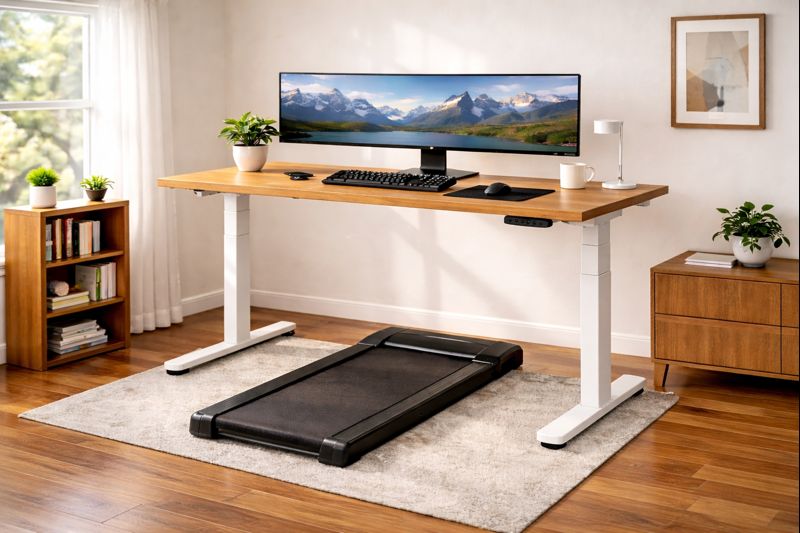
The “Wobble” Reality Check: You’ve seen the viral videos. Someone walking effortlessly at 3mph while typing code. But what they don’t show you is the monitor shaking like an earthquake with every step, or the motor noise driving their downstairs neighbors insane. Building a functional active office requires more than just buying two expensive products; it requires physics-based compatibility.
The “Active Office” is no longer a fringe concept for bio-hackers. In 2026, it is the standard for remote workers who refuse to accept the “sitting disease” diagnosis. But merging a treadmill with a desk creates unique engineering challenges.
This guide is not just a list of products. It is a blueprint for combining a high-stability desk with a low-decibel walking pad to create a workspace where you can actually get Deep Work done while logging 15,000 steps.
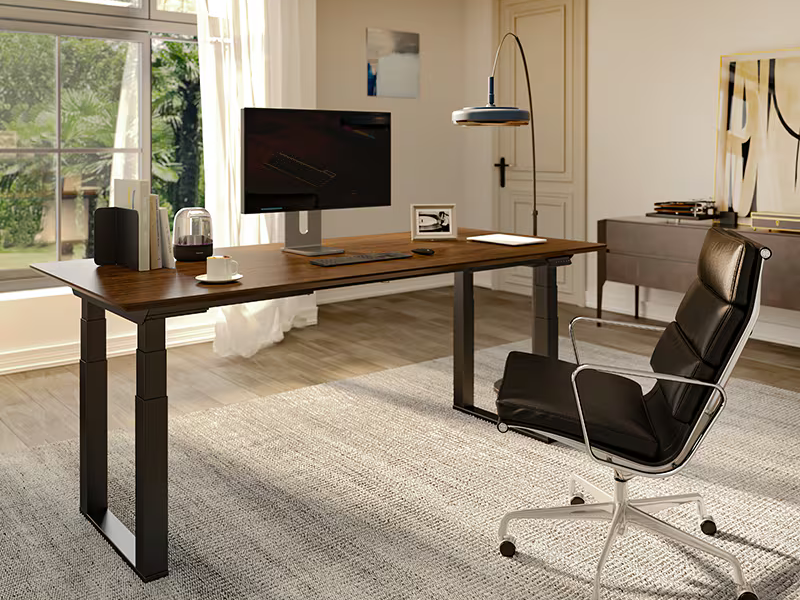
Part 1: The Desk (Stability is Everything)
When you walk, you oscillate. If your desk isn’t rock solid, that energy transfers to your monitors. The number one complaint from treadmill desk users is “screen jitter” causing motion sickness.
The “2-Leg vs. 4-Leg” Debate
For years, 2-leg standing desks were the standard. For a walking setup, they are often insufficient. As you raise a 2-leg desk to 45+ inches (treadmill height), the “inverted pendulum” effect magnifies every micro-movement.
If you have the budget, a **4-Leg Standing Desk** is the gold standard. However, modern 2-leg desks with “wedge” stability systems (like the Uplift V2 commercial frame) are now 95% as good.
Top Pick: Uplift V2 (Commercial Frame)
The “Commercial” version of the Uplift V2 features a lower crossbar that connects the legs. This completely eliminates the side-to-side wobble that plagues cheaper desks. It allows you to lean your wrists on the desk while walking without the monitor shaking.
• Stability: 9.5/10 (Crossbar essential)
• Height Range: 22.6″ – 48.7″
• Warranty: 15 Years
Runner Up: FlexiSpot E7 Plus (4-Leg)
FlexiSpot changed the game by offering a 4-leg desk at a 2-leg price. Because it has four points of contact with the floor, it is virtually immune to front-to-back rocking.Check Price on Amazon
Part 2: The Walking Pad (Silence is Golden)
Under-desk treadmills differ from gym treadmills in two ways: no handrails (usually) and high-torque motors designed for low speeds. Gym treadmills burn out if you walk at 1.5mph for 4 hours because their fans don’t spin fast enough to cool the motor. You must buy a dedicated walking pad.
The Noise Factor
In a home office, anything over 50 decibels (dB) will be audible on a Zoom call. The belt friction causes more noise than the motor itself.
The Portable King: WalkingPad C2 / P1
This is the unit that started the craze. Its claim to fame is the “fold-in-half” deck. When you are done walking, you fold it like a briefcase and slide it under a couch. It is the only option for tight spaces.
• Speed: 0.5 – 3.75 mph
• Foldable: Yes (180 degree fold)
• Noise: ~45dB (Very Quiet)
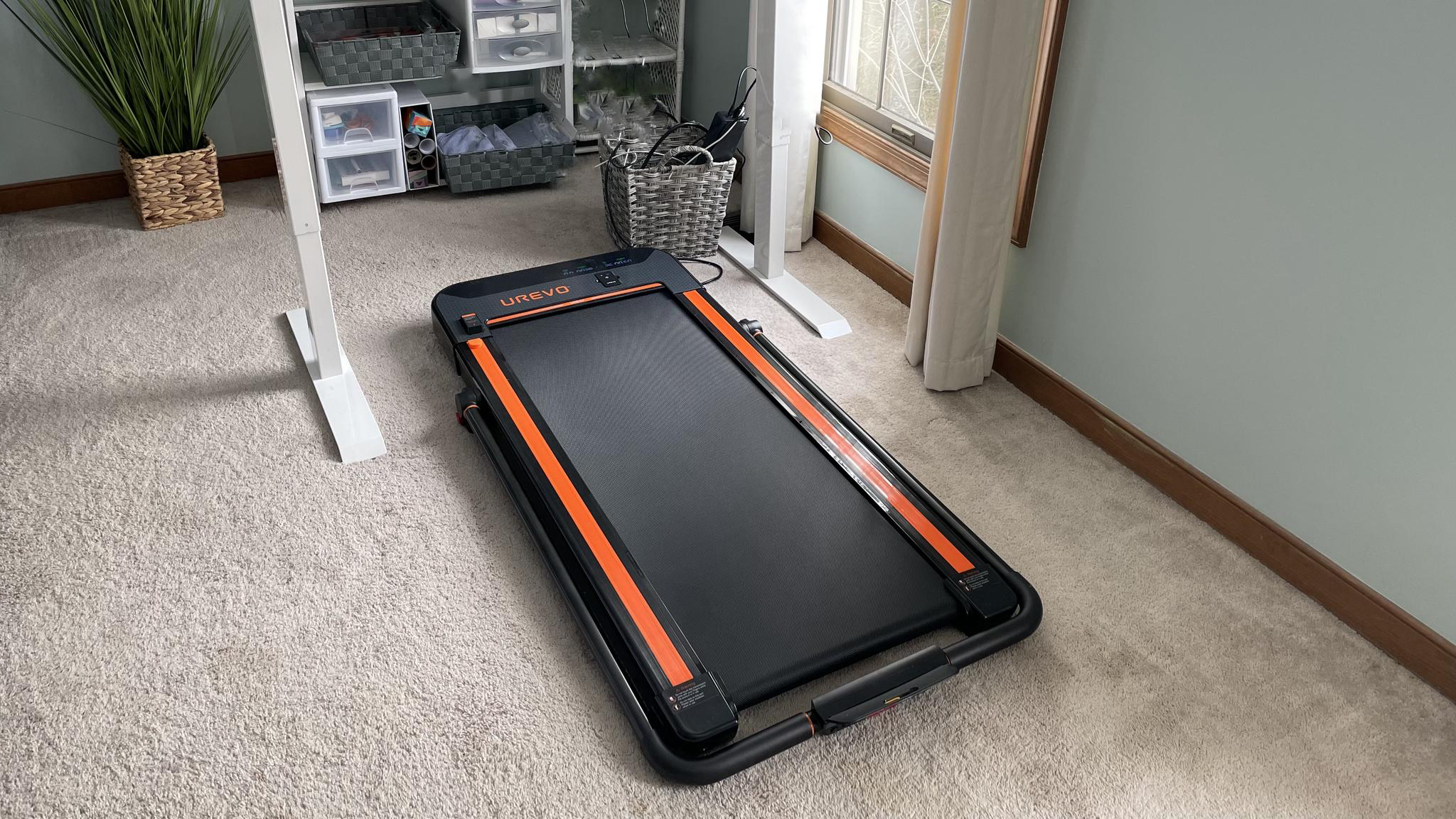
The Heavy Duty Choice: UREVO 2-in-1 Under Desk Treadmill
If you don’t need it to fold, buy the UREVO. Because the deck is one solid piece, it is sturdier and has slightly better shock absorption than the WalkingPad. It handles heavier users (up to 265lbs) with less belt strain.Check Price on Amazon
Part 3: The “Anti-Wobble” Setup Guide
Buying the gear is step one. Setting it up correctly is where most people fail. Follow these steps to eliminate monitor shake.
1. The “Monitor Arm” Rule
Do not use the plastic stand that came with your monitor. It has a high center of gravity and will wobble. You need a gas-spring monitor arm clamped to the desk. This isolates the screen from micro-vibrations.
Pro Tip: For ultrawide monitors, buy a “Heavy Duty” arm (like the Ergotron styling). If the arm is near its weight capacity limit, it will bounce. You want an arm rated for 30lbs holding a 15lb monitor.
2. Carpet vs. Hardwood
Never place a walking pad directly on hardwood (noise) or deep carpet (motor heat).
The Solution: A high-density equipment mat or a horse stall mat. This dampens the “thud-thud” of footsteps preventing it from traveling up the desk legs.
3. The “Star Pattern” Tightening
When assembling your standing desk, do not fully tighten the screws one by one. Get them all 80% tight, then go around in a star pattern (like changing a tire) to torque them down. This ensures the frame settles evenly. Crucial: Retighten every bolt after 30 days of use. Metal settles.
Part 4: Ergonomics & Workflow
Walking while working uses different muscles than standing. Here is how to avoid injury.
| Factor | Standard Sitting | Walking Setup |
|---|---|---|
| Desk Height | Elbows at 90° | Elbows at 100-110° (Slightly lower reach) |
| Screen Height | Eye level | +4 inches higher (You bounce up, not down) |
| Footwear | Whatever | Running shoes / “Zero Drop” shoes |
| Max Duration | 8 Hours | 90 min walk / 30 min sit cycles |
The “Deep Work” Speed Limit
There is a cognitive load to walking.
1.0 – 1.5 mph: The “Deep Work” Zone. You can type, code, and write without typos.
1.6 – 2.5 mph: The “Consumption” Zone. Good for Zoom calls (camera off), reading Slack, or watching videos.
3.0+ mph: Exercise. Do not try to work; you will just sweat on your keyboard.
Accessories That Make It Work
1. Anti-Fatigue Mat (For when you stop)
You can’t walk for 8 hours. When you stop the treadmill to stand, the walking belt is hard and uncomfortable. You need a small anti-fatigue mat to toss on top of the treadmill deck when standing still.Check Price on Amazon
2. Cable Management Vertebrae
With a treadmill, you have two power cords moving around. A “Cable Vertebrae” snaps onto the desk leg and guides cables safely up and down, preventing them from getting caught in the treadmill belt.Find on Amazon
Final Verdict
For the ultimate 2026 setup, pair the Uplift V2 Commercial with the WalkingPad C2. The stability of the desk counteracts the motion, and the foldability of the pad allows you to reclaim your floor space when the workday is done.